Individuals
Get your tickets to enter the Portail des nations. Commercial bla bla and practical information can be put on the page along the step by step
Step 2 : Please choose a date and time and the number of people
Attention ! The tool is only for the demonstration of UI. Please proceed to see the steps to be used for API integration
Step 3 : Please fill in the information needed for the entry
A form to fill in by the client
Note that the client will NEED to fill in the names and email address, but not the picture. He CAN, but is not required at this stage
Below is an example of what we had in mind (background image pending, but it would be something like an ID card)
Profile Picture
you will NEED to upload a picture to enter the Portail des Nations. You can upload the picture now or later
Step 4 : Important Information
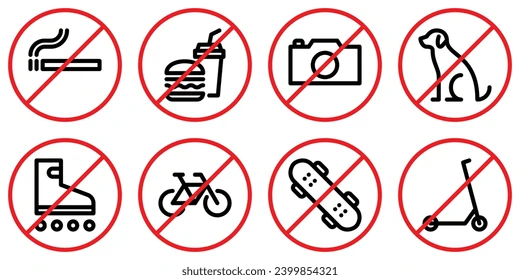
important visit information :
- please arrive 30 minutes before the experience
- have a passport or any valid ID
- No weapons, drugs, etc. etc.
INDIVIDUALS
Step 5 : Confirmation and payment
User agreement and legal information
For online payments it’s done here and now otherwise abacus - accounting app
For online payments it’s done here and now otherwise abacus - accounting app
INDIVIDUALS
Step 6 : Order complete
We will send the confirmation mail to the client. This page can just be a "order complete" or have additional information of practical nature like
- How to get here
- What to bring
- etc.